What Is RDP? Everything About RDP: Definition and Protocol Explained

We live in a digital-first world, and remote access is no longer optional—it has become the norm. Businesses, IT professionals, and developers rely on remote connections to access computers, servers, and work environments from anywhere in the world.
Table of Contents
But what is RDP, how does it work, and why is it so important for modern computing? This complete guide explains the RDP meaning, RDP definition, and everything you need to know about Remote Desktop RDP in a clear and straightforward way.
What Is RDP?
RDP stands for Remote Desktop Protocol. It is a proprietary protocol developed by Microsoft that allows users to remotely access and control another computer over a network. Put simply, RDP allows you to see and control another computer’s desktop from anywhere, as if you were physically sitting in front of it.
- Remote: Accessing a system from a different physical location
- Desktop: The graphical interface (screen, icons, applications)
- Protocol: A set of rules for transmitting data over a network
What Is RDP Used For?
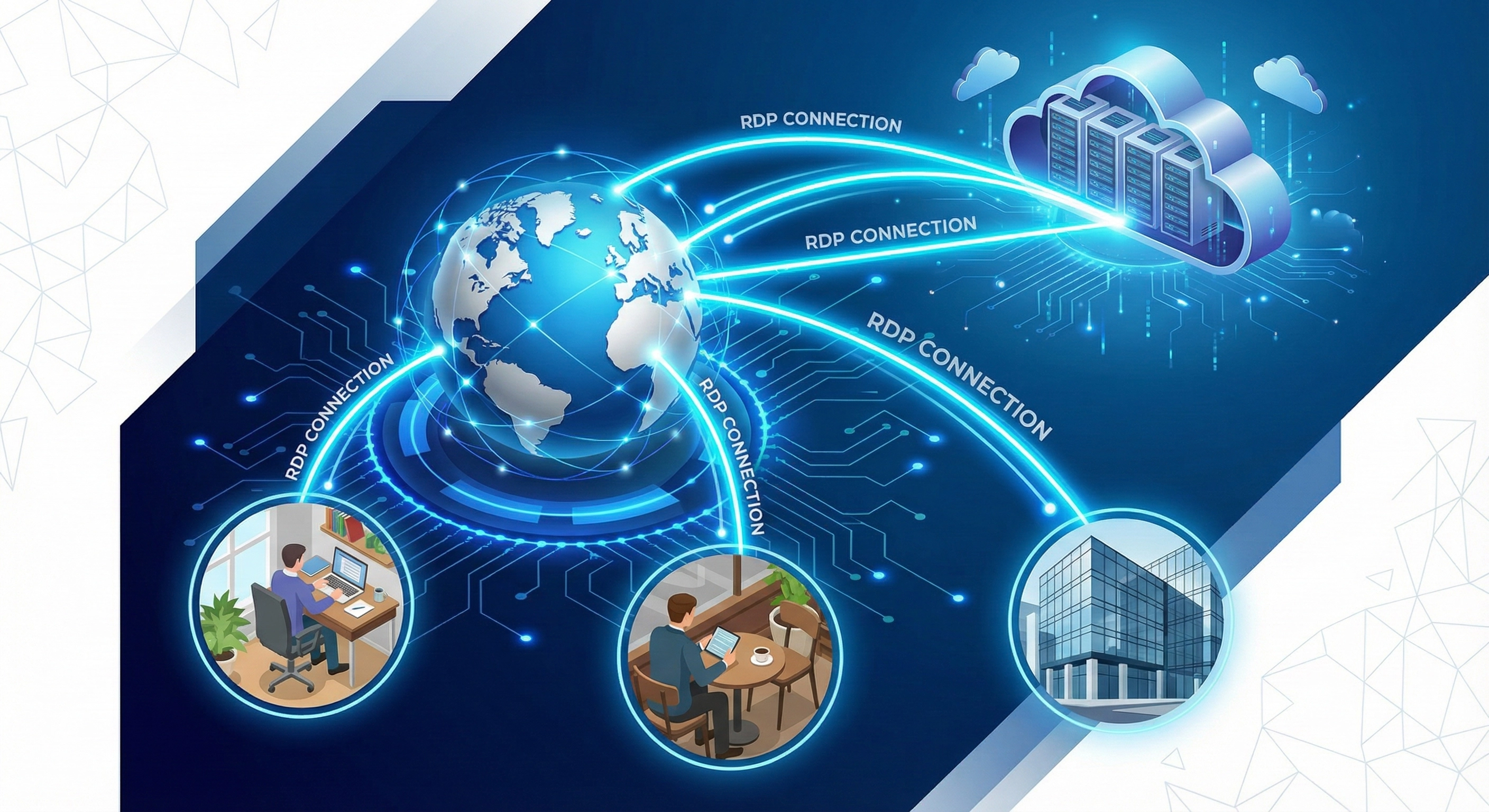
Understanding what RDP is becomes easier when you see real-world use cases. Whether for remote work or server management, it is a versatile tool.
| Use Case | Description |
|---|---|
| Remote Work | Access office computers from home |
| Server Management | Manage cloud or on-premise servers |
| IT Support | Troubleshoot systems remotely |
| Development & Testing | Work on remote development environments |
How Does RDP Work?
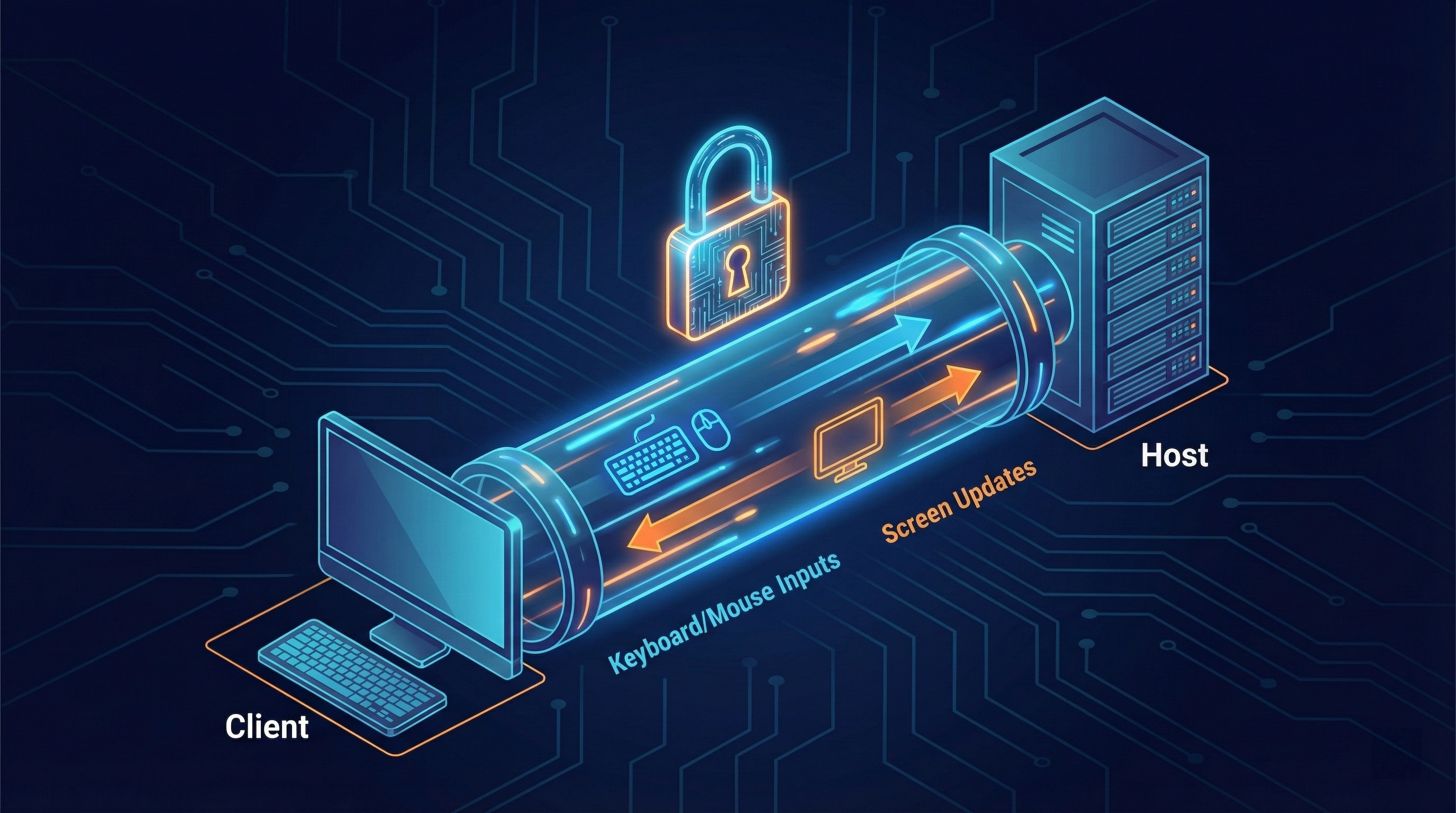
Before diving deeper, it helps to understand how an RDP connection is established. Unlike basic screen-sharing tools, RDP sends graphical commands instead of raw video, resulting in better performance and lower bandwidth usage.
RDP Protocol Explained
The RDP protocol includes features like Encryption (protecting data during transmission), Compression (reducing bandwidth usage), and Session virtualization (allowing multiple users to connect to one server).
Is RDP Secure?
Security is a critical concern when discussing what is RDP. Built-in RDP security features include TLS encryption, Network Level Authentication (NLA), and Role-based access control.
| Practice | Importance |
|---|---|
| Do not expose RDP directly to the internet | 🔴 Critical |
| Use VPNs or secure gateways | 🟠 High |
| Enable multi-factor authentication | 🟠 High |
| Change default RDP port | 🟡 Medium |
Frequently Asked Questions
Q: What is RDP in simple terms?
A: RDP is a way to remotely access and control one computer from another over a network.
Q: Is RDP safe to use?
A: Yes, when properly secured with VPNs, MFA, and strong policies.
Q: What is the default RDP port?
A: RDP uses port 3389 by default.
Q: Can I use RDP on macOS?
A: Yes. Microsoft provides an RDP client for Mac called Microsoft Remote Desktop.
Conclusion: RDP is a fast, secure, and powerful remote-access technology that allows users to control Windows computers and servers from anywhere. Understanding the RDP protocol is essential in today’s connected world.